
Scope and common interpretation errors
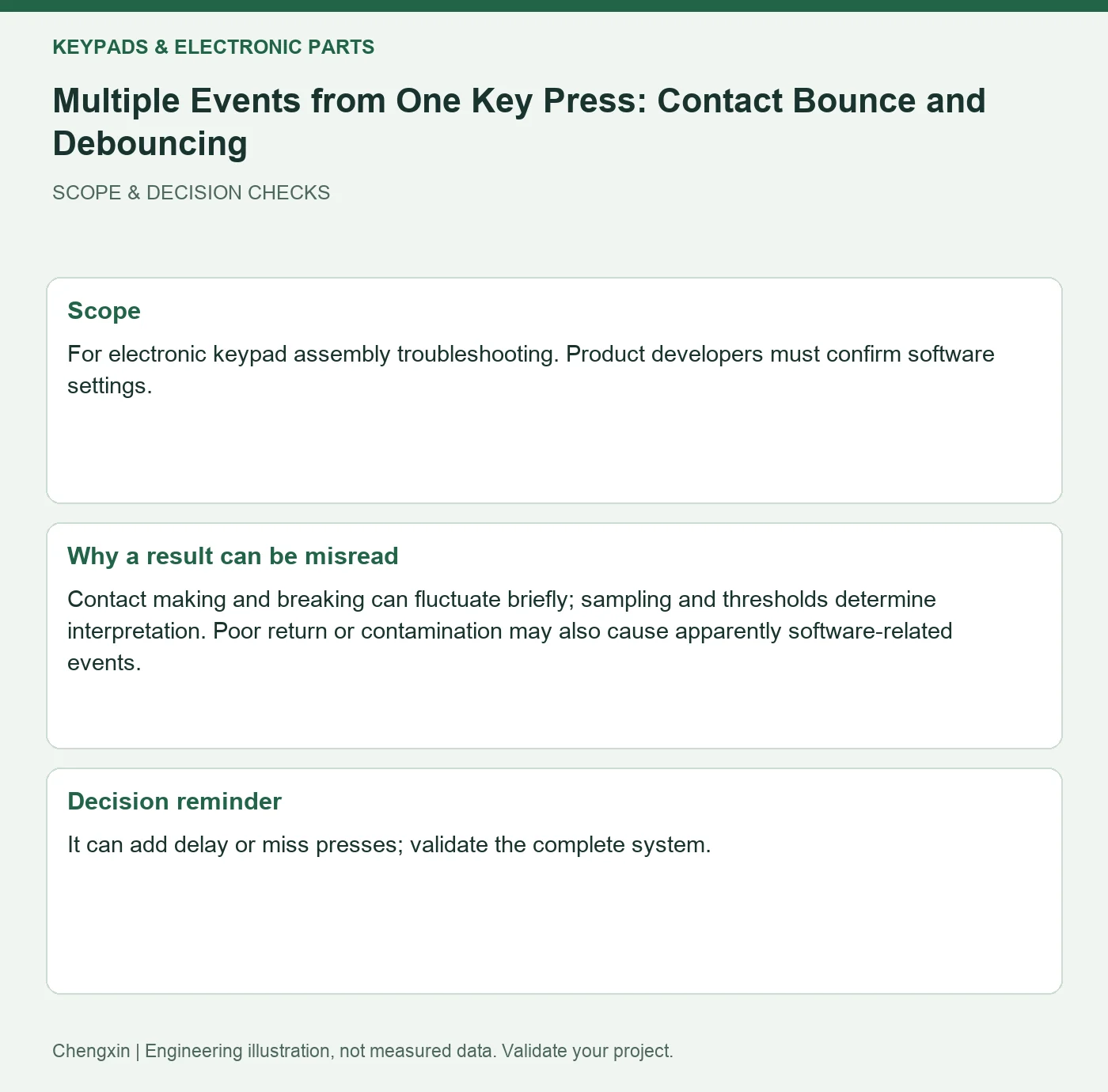
For electronic keypad assembly troubleshooting. Product developers must confirm software settings.
Contact making and breaking can fluctuate briefly; sampling and thresholds determine interpretation. Poor return or contamination may also cause apparently software-related events.
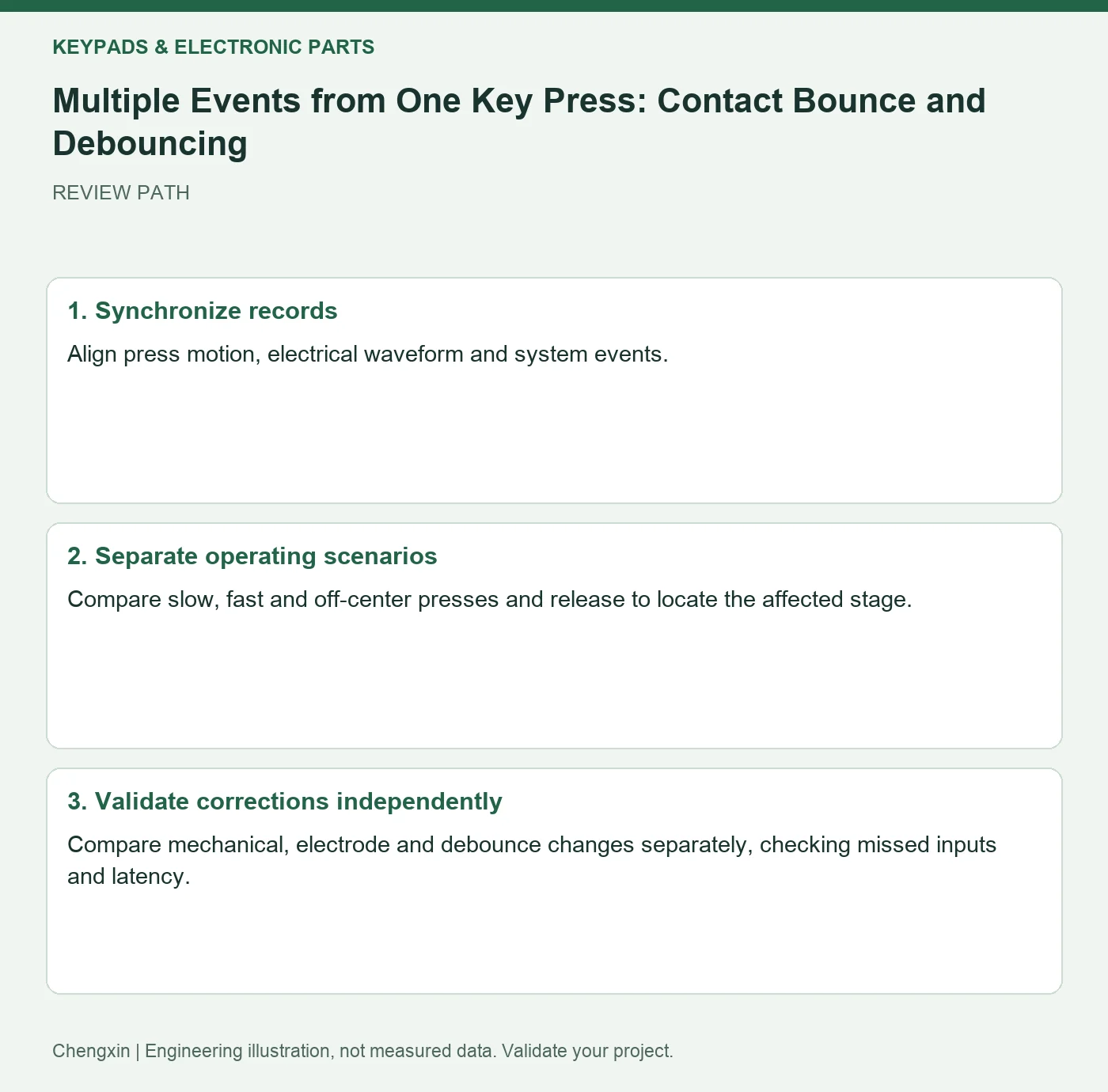
Turn the review into recorded checks
| Step | Action and evidence |
|---|---|
| 1 · Synchronize records | Align press motion, electrical waveform and system events. |
| 2 · Separate operating scenarios | Compare slow, fast and off-center presses and release to locate the affected stage. |
| 3 · Validate corrections independently | Compare mechanical, electrode and debounce changes separately, checking missed inputs and latency. |
A comparison to avoid misinterpretation
Stable physical contact with repeated system events points toward sampling logic. Unstable contact requires preserved evidence rather than an unlimited software delay.
Frequently asked question
Can longer debounce time solve every repeated input?
It can add delay or miss presses; validate the complete system.
Background and further reading
This note addresses one specific question. For broader concepts, see the related background guide.
Related question: Silicone Button Overtravel: Actuation and Protective Stops.
External references support the relevant concepts. The review steps and scenarios are independent engineering discussion guidance, not quotations from a standard or external organization. Use agreed methods, applicable document revisions and complete conditions.
Apply this to your custom part
Compare the structure with Custom Silicone Single-Key Button Caps. Describe the application, geometry, operating conditions, quantity and problem to solve. Submit a custom-parts inquiry, or see how to send drawings and sample photographs by business email. Confirm material, dimensions, costs, testing and delivery requirements for the project.