
Scope and common interpretation errors
For external electronic-device covers, without changing the device's existing safety or protection claims.
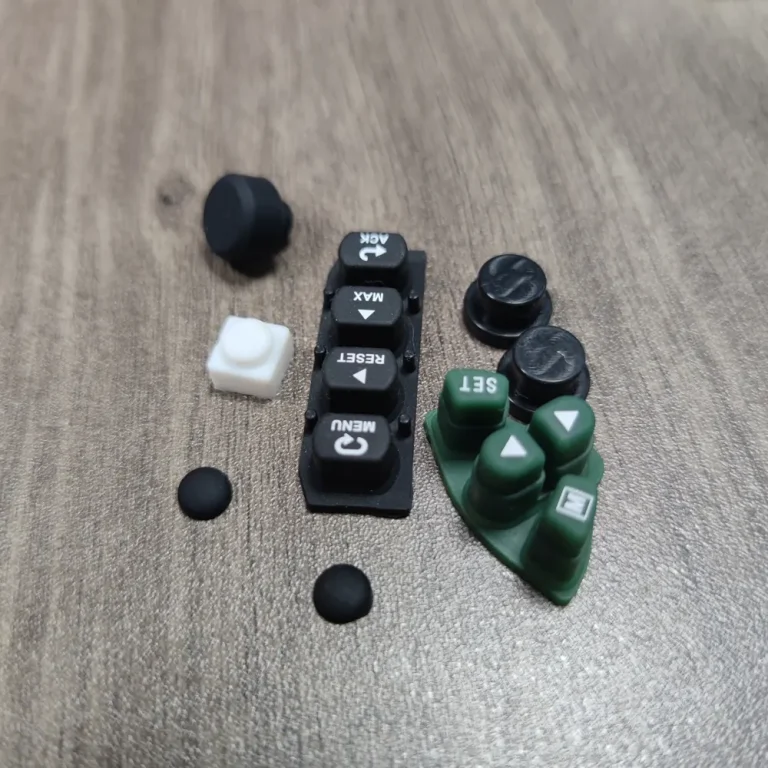
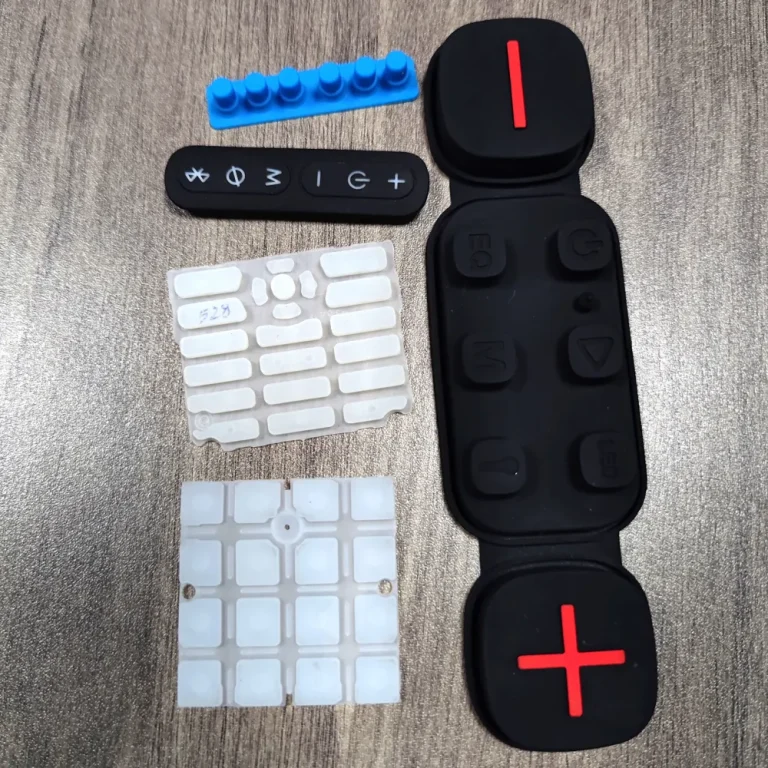
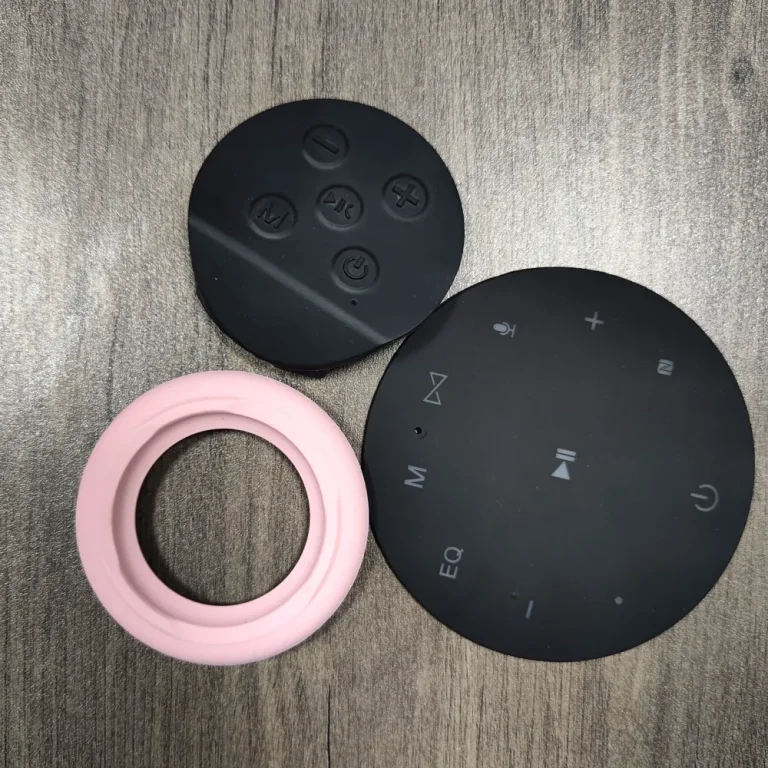
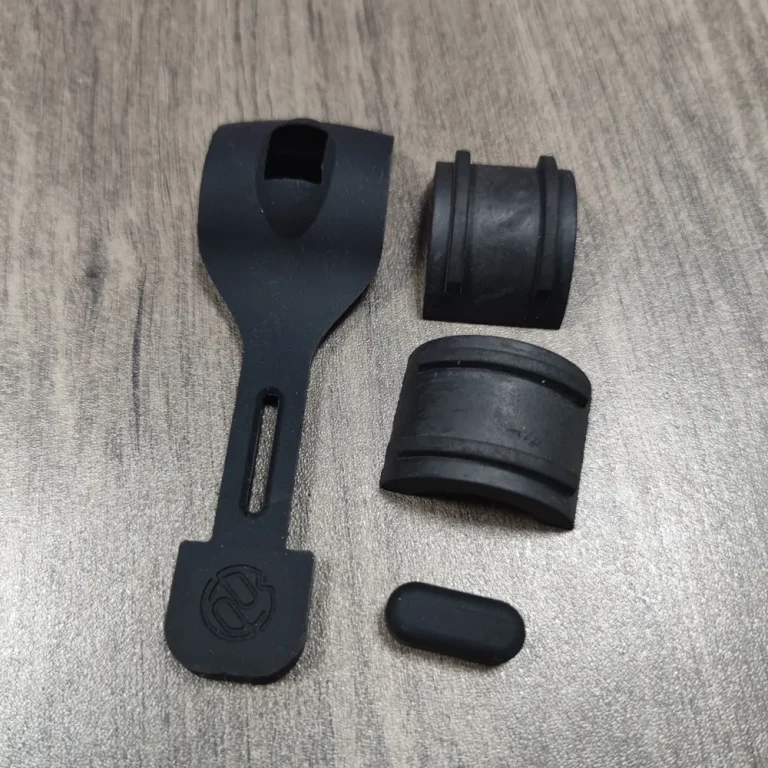
Opening stretch, camera-hole location and sidewall thickness affect the key zone. Local internal projections or grip deformation may continuously press a button.
Turn the review into recorded checks
| Step | Action and evidence |
|---|---|
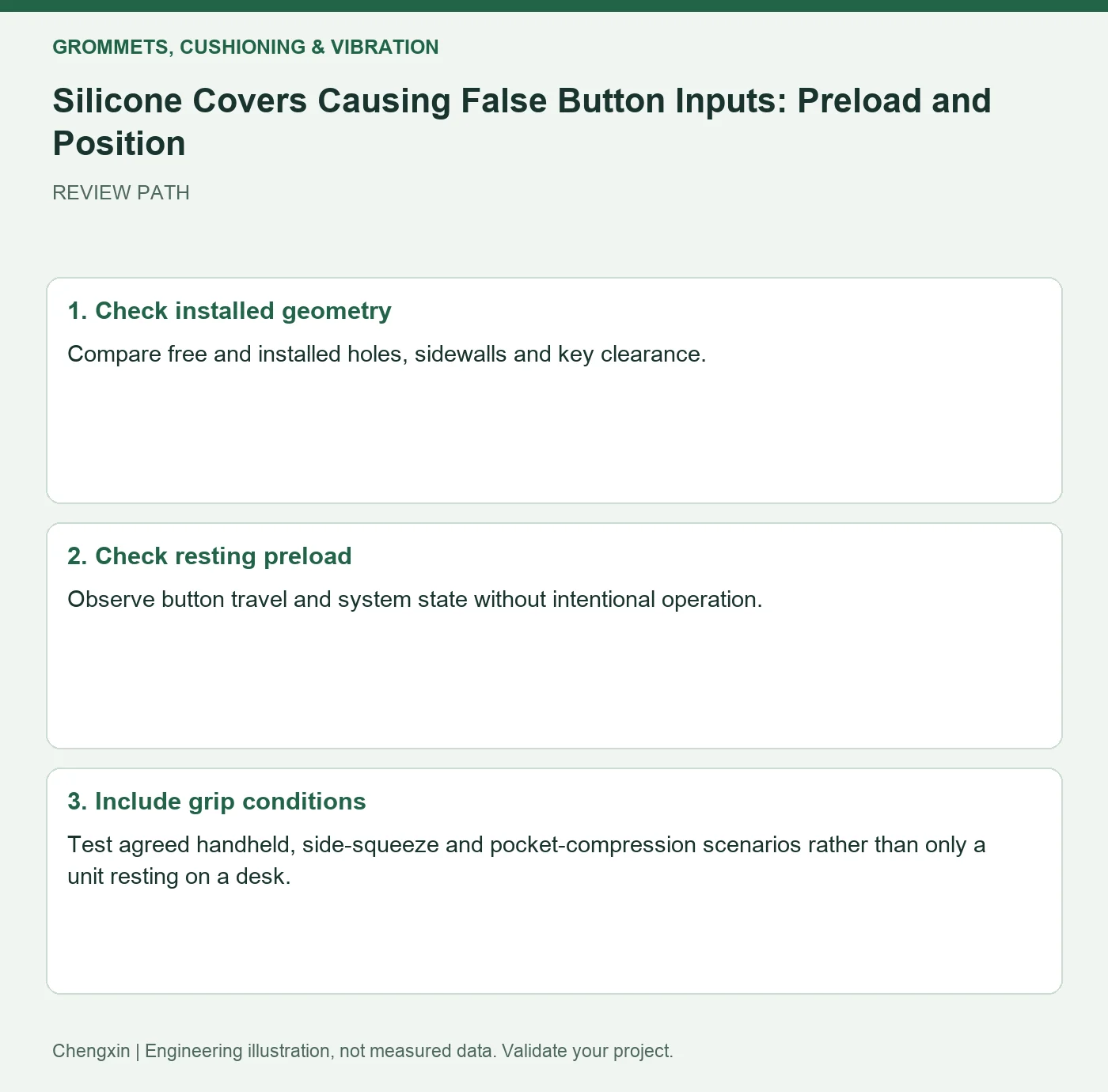
| 1 · Check installed geometry | Compare free and installed holes, sidewalls and key clearance. |
| 2 · Check resting preload | Observe button travel and system state without intentional operation. |
| 3 · Include grip conditions | Test agreed handheld, side-squeeze and pocket-compression scenarios rather than only a unit resting on a desk. |
A comparison to avoid misinterpretation
If the installed button rests near actuation, investigate thickness and stretched positioning before asking software to ignore unintended inputs.
Frequently asked question
Does enlarging the button opening finish the correction?
Also assess feel, protection and edge durability.
Background and further reading
This note addresses one specific question. For broader concepts, see the related background guide.
Related question: Variable Silicone Plug Pullout Force: Direction, Speed and Depth.
External references support the relevant concepts. The review steps and scenarios are independent engineering discussion guidance, not quotations from a standard or external organization. Use agreed methods, applicable document revisions and complete conditions.
Apply this to your custom part
Compare the structure with Custom Shaped Silicone Parts. Describe the application, geometry, operating conditions, quantity and problem to solve. Submit a custom-parts inquiry, or see how to send drawings and sample photographs by business email. Confirm material, dimensions, costs, testing and delivery requirements for the project.